



Reward Desk OBS
Screenshots
What it does
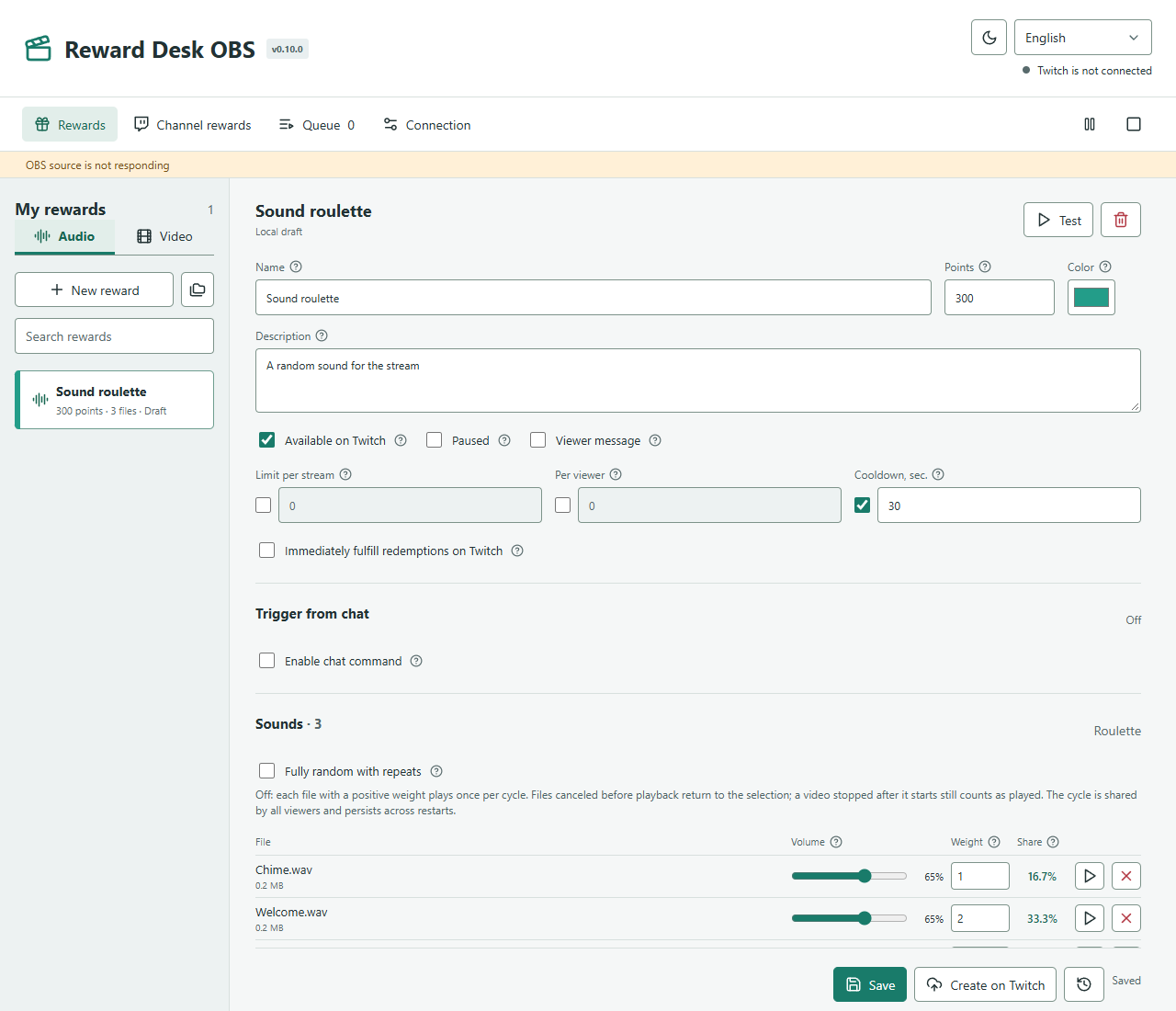
- Create and manage Twitch rewards directly, without Streamer.bot.
- One file or a roulette: no repeats until a cycle ends, or unrestricted random selection. Individual weights and volume.
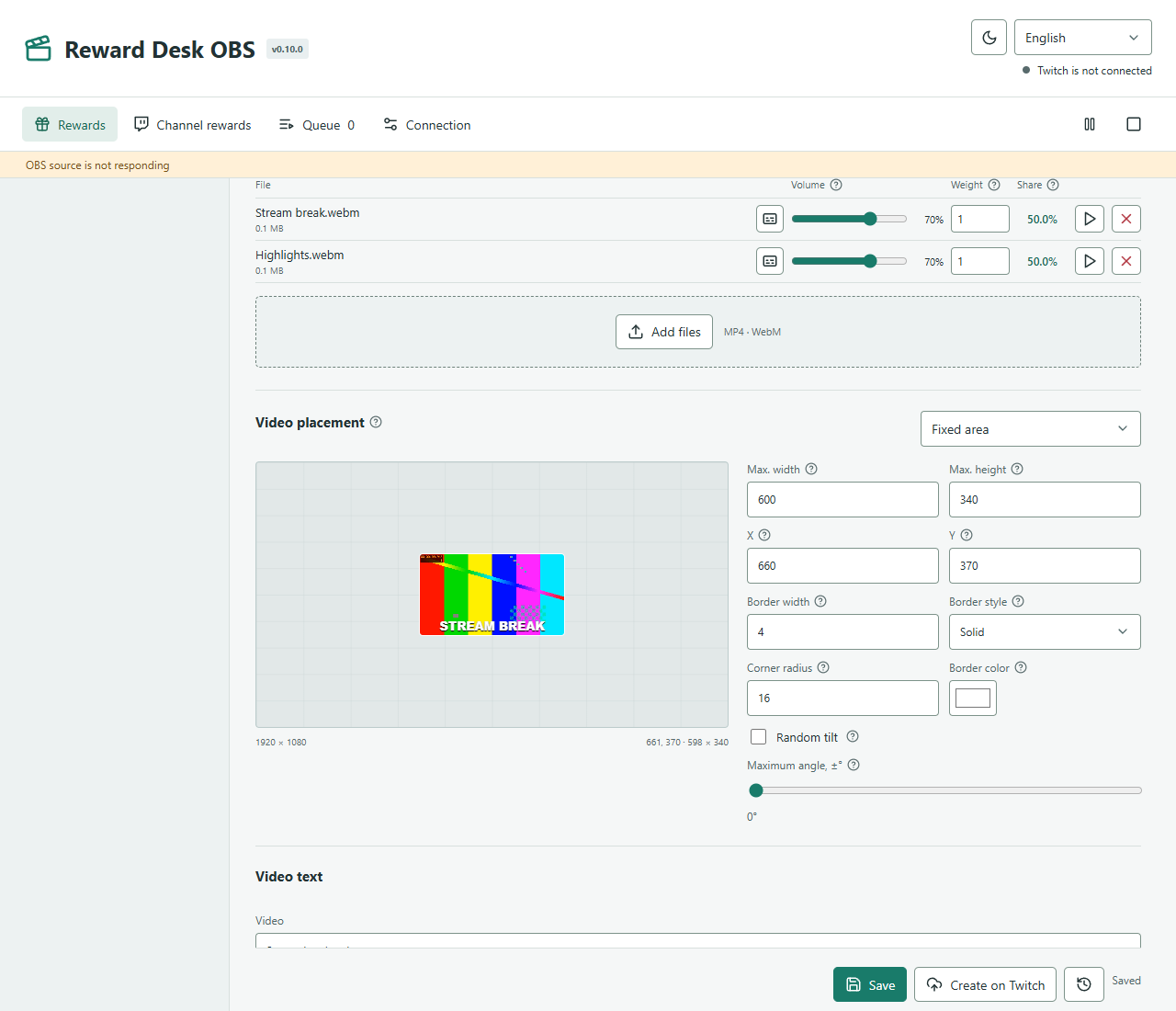
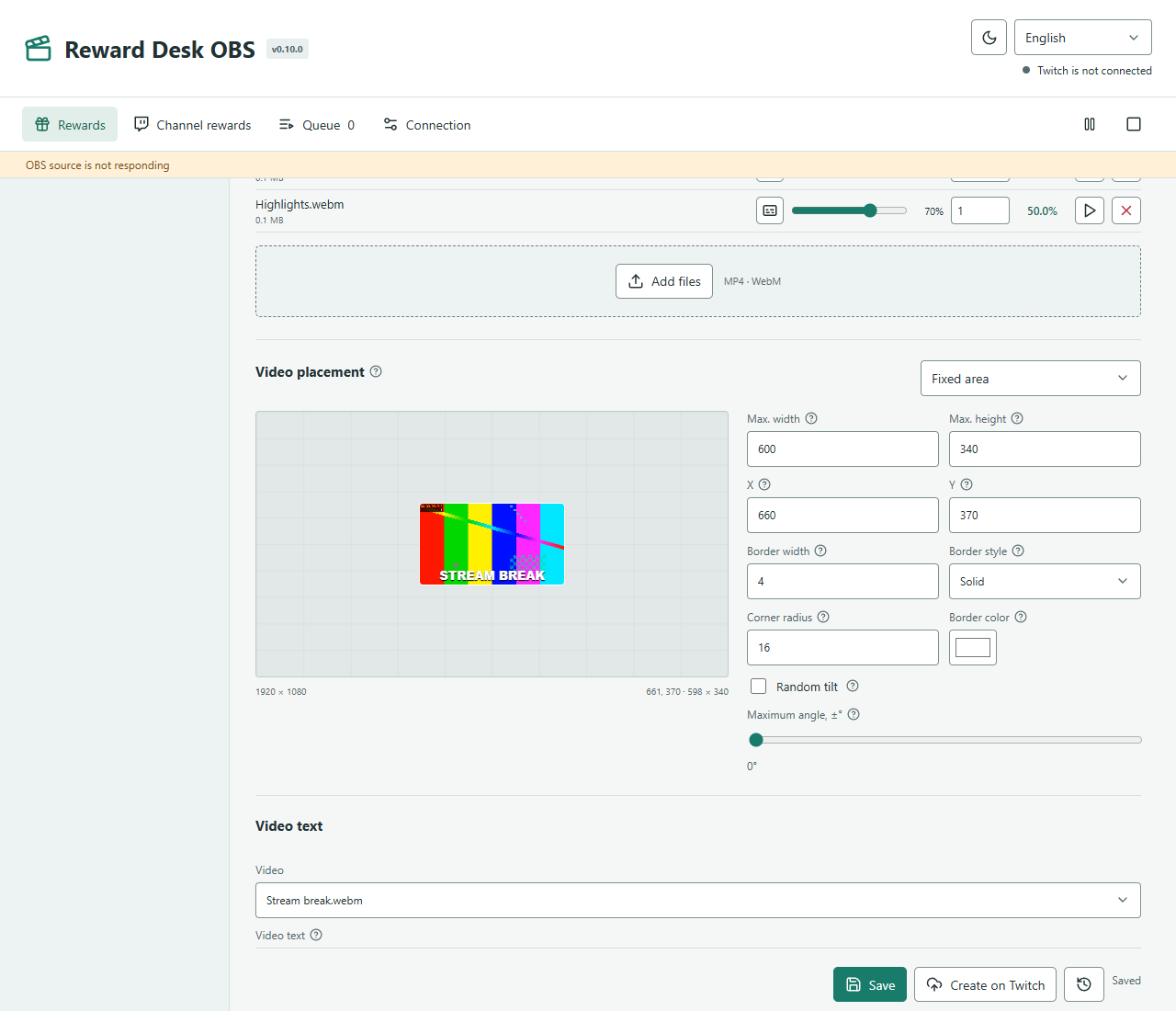
- Drag video on a 1920×1080 preview, choose random placement, borders, rounded corners and tilt. No empty space around the frame.
- Per-video captions, duration display, fonts, colors and nine quick text positions.
- Chat commands with an allowed-user list. Visual groups and a shared reward color, including Twitch.
- Queue, pause, stop, test, history and refund handling. A persistent OBS browser-source URL.
- Light and dark themes; English, Ukrainian and Russian without restarting. Local drafts and save history.
Installation
- Close OBS and the Reward Desk OBS runtime. Download the plugin installer and approve the Windows system prompt.
- Open OBS → Docks → Reward Desk, then select Open editor.
- Sign in with Twitch in the plugin profile. Source provides its own persistent URL; the standalone app URL is not interchangeable.
First connection
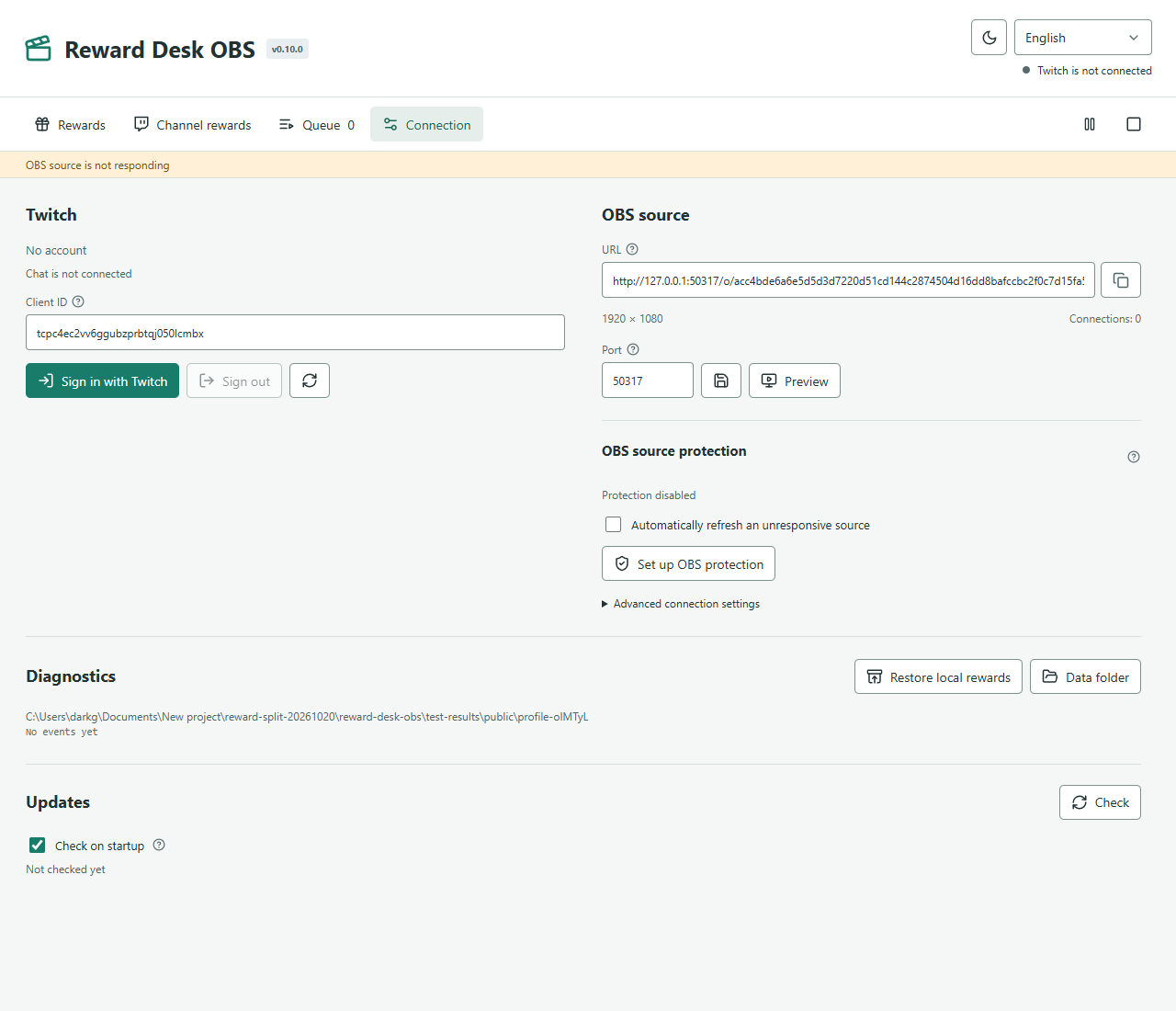
- Open Connection, sign in with Twitch and approve the browser permissions. The Client ID is included; no developer registration is needed.
- Choose Audio or Video, create a reward, add files and save. Select Create in Twitch to offer it for channel points.
- Copy the source URL and add an OBS Browser source at 1920×1080. Enable Control audio via OBS and use Test to check playback.
- Reuse one source across scenes. The app, or OBS with the plugin, must be running for playback.
- Right-click in the OBS Audio Mixer and open Advanced Audio Properties.
- Find the rewards Browser source, then set Audio Monitoring to Monitor and Output. This sends sound to you and to the OBS stream/recording output according to the selected tracks.
- In Settings → Audio → Advanced → Monitoring Device, select your headphones. Check the headset device when switching to VR.
- Use Test in the reward editor, check the source meter and volume in the mixer, and listen through your headphones.
Do not select Monitor Only (mute output) if viewers should hear rewards: it disables the source’s direct stream/recording output. If audio is doubled, check whether Desktop Audio is capturing the monitored sound again.
Settings and controls
| Setting | What it does |
|---|---|
| Points and access | Cost, color, prompt, viewer input, per-stream and per-viewer limits, cooldown and pause. |
| Roulette | By default every file plays once per cycle. Weight affects selection among remaining files. Progress survives restarts. |
| Channel rewards | All custom rewards with search, filters and sorting. Twitch only allows API edits for rewards created with the same Client ID; others are read-only. |
| Media | MP3, WAV, OGG, M4A, FLAC; MP4 and WebM. Up to 512 MB per file and 10 minutes of playback. Codec support depends on OBS. |
| Refunds | A normal redemption is completed after playback; an error or manual stop requests a refund. Immediate fulfillment disables app-managed refunds. |
OBS connection and recovery
The source reconnects after interruptions and checks its page version. Recovery can refresh only its own active source with an exact URL match, without changing scenes, streaming or recording. The standalone app offers a setup button without mandatory manual password entry. Interrupted playback needs a queue decision instead of replaying automatically. Recovery cannot recreate a deleted source or repair an OBS crash.
Update without losing your data
From 0.10.0 the plugin receives v* releases from its own GitHub repository, foolka/reward-desk-obs. Older versions can find the obs-v0.10.0 transition release in the previous repository. Close OBS and install over the existing plugin without deleting its profile: rewards, media, login and source URL are preserved. Closing the editor tab does not stop rewards; closing OBS stops the runtime.
Data and security
%APPDATA%\RewardDeskOBSRewards, media, drafts and queues are stored locally. Twitch credentials are encrypted for your Windows account. Updates and uninstallation keep the profile. For a full backup, exit and copy the entire profile folder, including media. Never share the profile or secret source URL.
Verify your download
Installers are not digitally signed yet, so Windows may display SmartScreen. Download only from the linked GitHub repository and verify SHA-256. A checksum does not replace a publisher signature. You do not need a custom Twitch registration or to disable Windows security.